Patient History
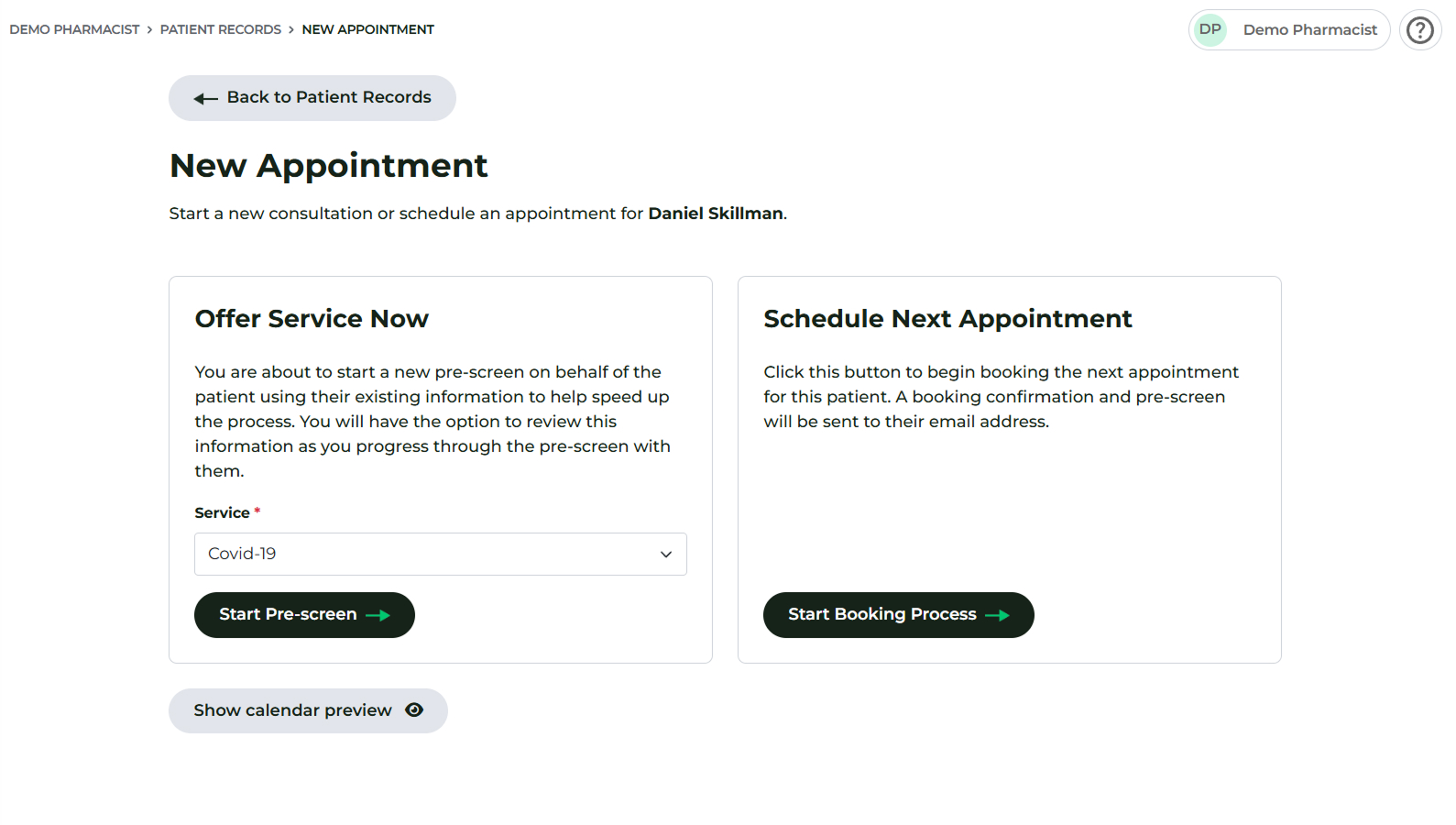
Patient history is viewable through two main pathways, allowing you to access a patient's past consultations and records.
Method 1: Accessing History During a Consultation (Most Comprehensive)
When you are actively engaged in a consultation (as explained in the Administering Treatment / Vaccines section):
- Click the Patient's History button located at the top of the administration screen.
- This view shows all history for the specific patient in chronological order.
- The list includes the date of previous consultations and the days elapsed since then.
- Clicking the View PDG button next to a record allows you to view and download Patient History (Hx) within the group/organisation - not just the pharmacy providing the services today.
Method 2: Accessing History via Patient Records Section
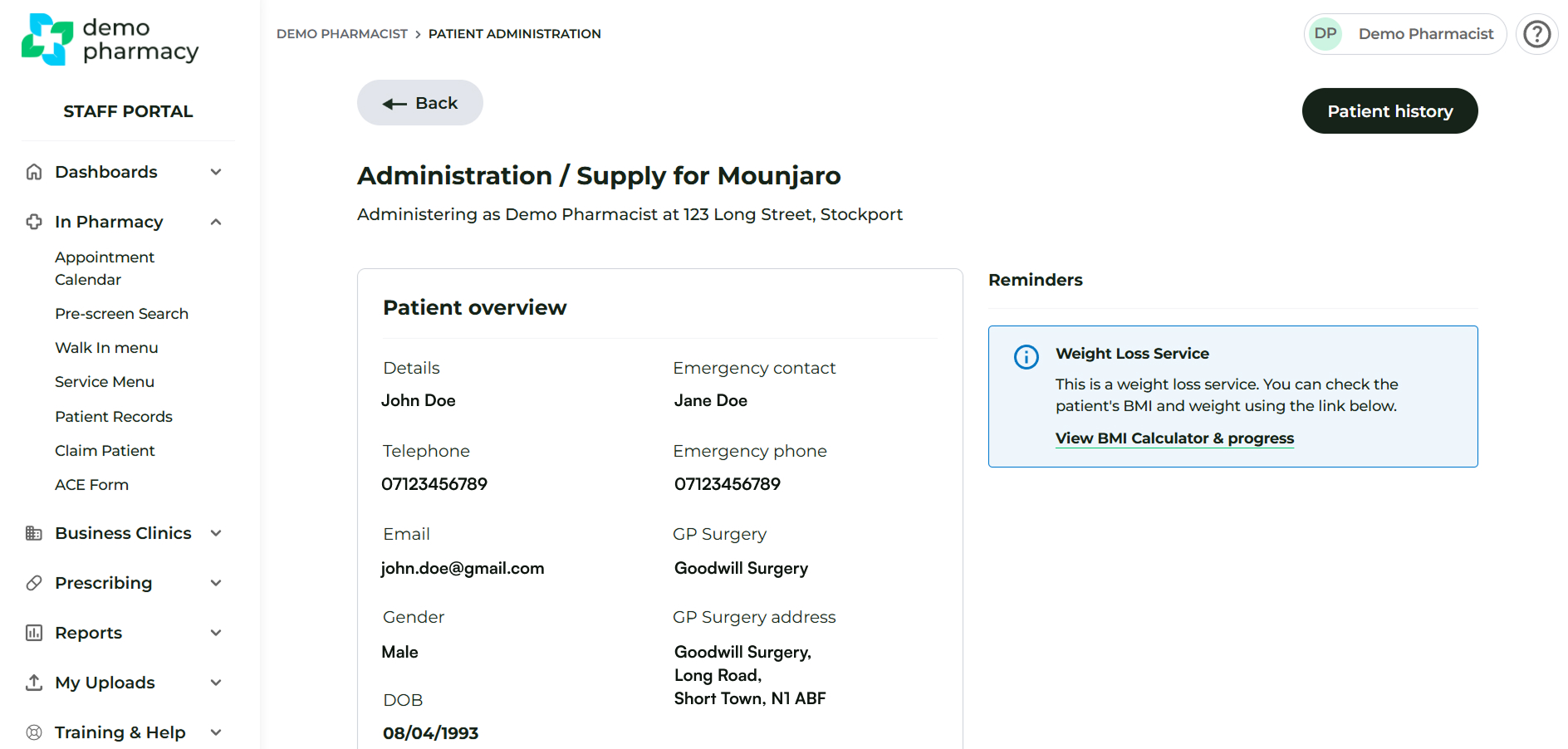
You can also view patient history by navigating to the In Pharmacy > Patient Records section.
This shows Patient Hx as per your pharmacy - not the wider organisation. You can search for a specific patient using the filters at the top.
Select Manage > Consultation on the patient for a detailed PDF of the full consultation.
Important Visibility Constraint
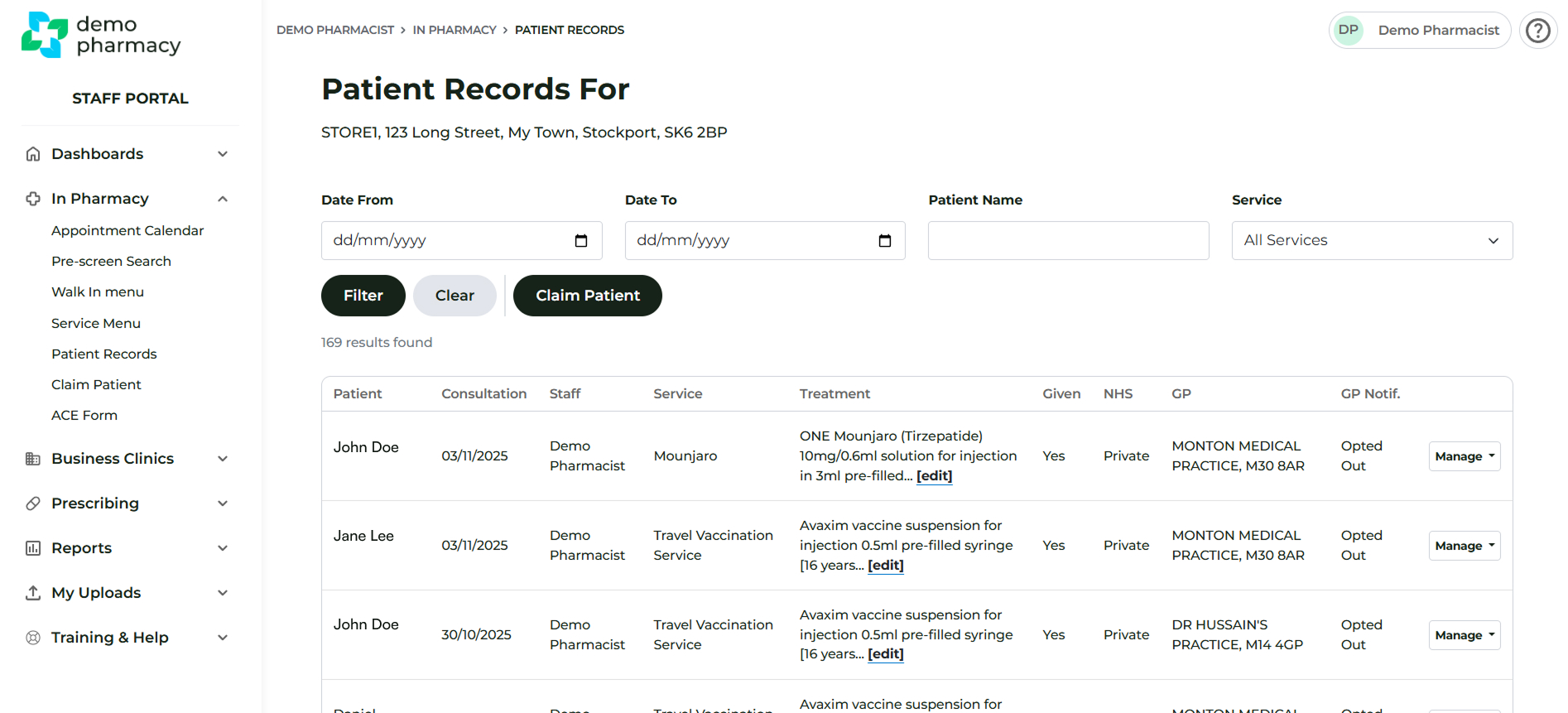
Your organisation's configuration dictates how long records remain visible in this section:
- Limited Time Visibility: If your organisation restricts record visibility to a limited time, using the Patient's History button (Method 1) during a consultation will be your best option for full visibility.
- Full Visibility: If the limited time restriction has been disabled, you can use the filters at the top of the Patient Records page to search for any patient records administered in your current pharmacy branch.
Creating a New Appointment from Patient Records
If you are reviewing a patient's history in the Patient Records section and determine they need a follow-up or a new service, you can initiate a booking directly from their record.
- Navigate to In Pharmacy > Patient Records.
- Find the relevant patient and click the Manage button next to their name.
- Select New Appointment from the options.
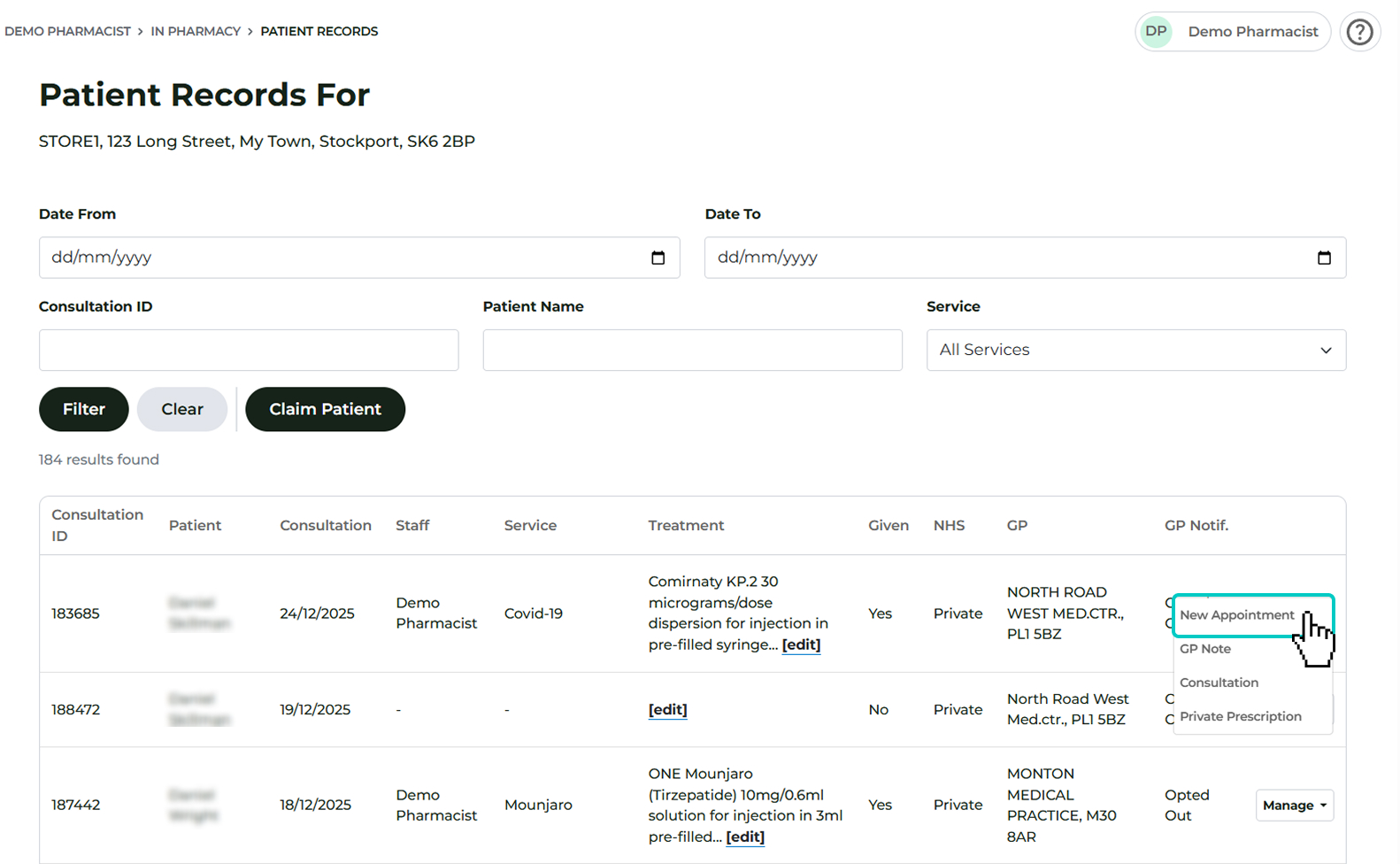
4. Choose your preferred workflow:
- Offer Service Immediately: Use this if the patient is currently in the pharmacy and ready to proceed.
- Schedule for Later: Select a future date and time to add the appointment to the pharmacy calendar.