Sign in to your Deltera account
Access your Deltera account at the staff portal.
Step 1: Access the Portal and Log In
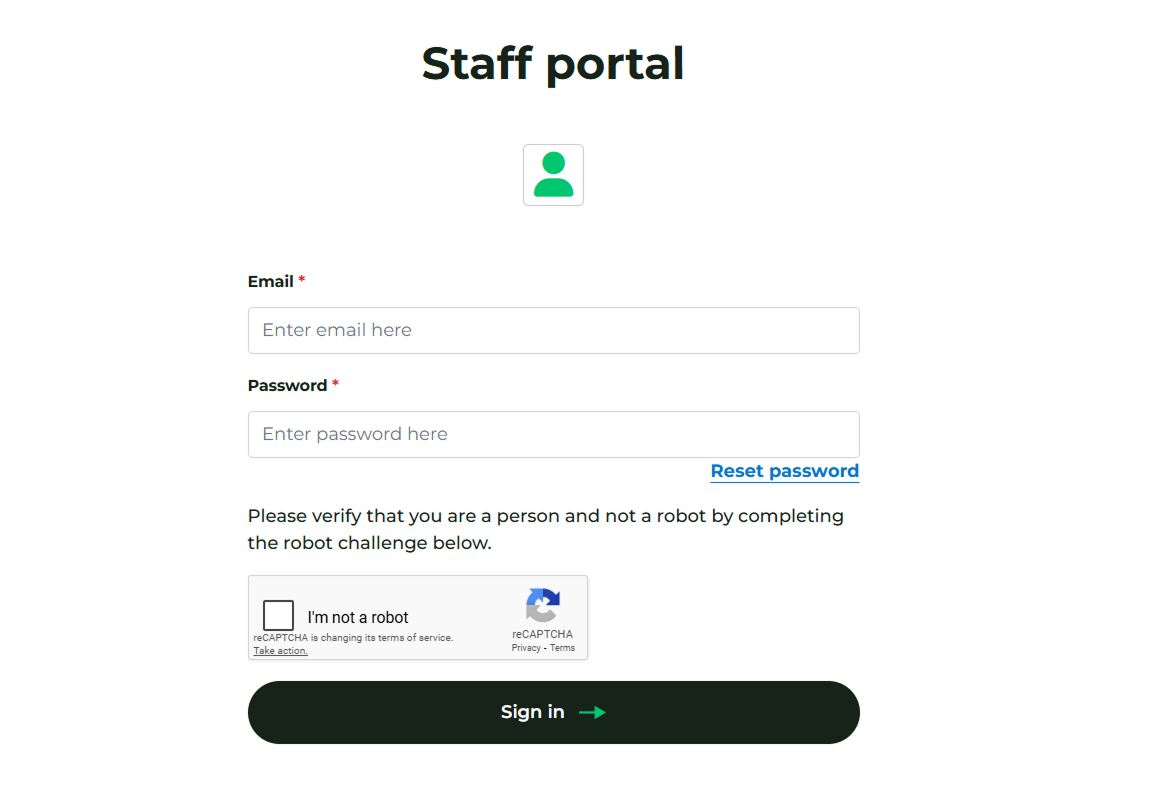
Once your registered account has been approved by Head Office, navigate to the staff portal at the following link:
Sign in using the email address and password you created during registration.
Note: If you cannot sign in, use the Reset password link instead of attempting to create a new account.
Step 2: Complete Multi-Factor Authentication (MFA)
The staff portal is protected by Multi-Factor Authentication (MFA) to secure patient data.
- If the system detects a change in your IP address or device, you will be asked to verify your identity.
- Check your email for a verification code and enter it into the prompt.
- This verification is saved, so you only need to complete this extra step once per device or location change.
Ensuring You Receive MFA Codes
To keep your account secure, the Deltera platform uses Multi-Factor Authentication (MFA). This means that every time you sign in, a unique 6-digit code is sent to your registered email address.
To ensure these vital security codes reach your inbox and are not accidentally filtered into your 'Junk' or 'Spam' folders, we strongly recommend whitelisting our communications email address.
Whitelisting comms@deltera.cloud
If you are using NHSmail (Outlook on the Web), please follow these steps to add us to your Safe Senders list:
- Sign in to your NHSmail account.
- Click the Settings cog in the top right-hand corner.
- Select View all Outlook settings at the bottom of the pane.
- Navigate to Mail > Junk email.
- Under the Safe senders and domains section, click + Add.
- Type in the email address:
comms@deltera.cloudand press Enter. - Click Save at the bottom of the page to apply the changes.
Why is this necessary?
NHSmail filters are notoriously strict. By whitelisting this address, you ensure that:
- Your login process is never delayed by a missing code.
- Automated notifications regarding consultations or prescriptions are delivered reliably.
- System alerts from the Deltera platform reach the intended staff members immediately.
💡 Staff Tip: If you have followed these steps and still cannot find your MFA code, please check your 'Other' inbox tab if you have a 'Focused' inbox enabled, or contact your IT lead to ensure there are no wider organisational blocks in place.
Step 3: Review Your Dashboard and Services
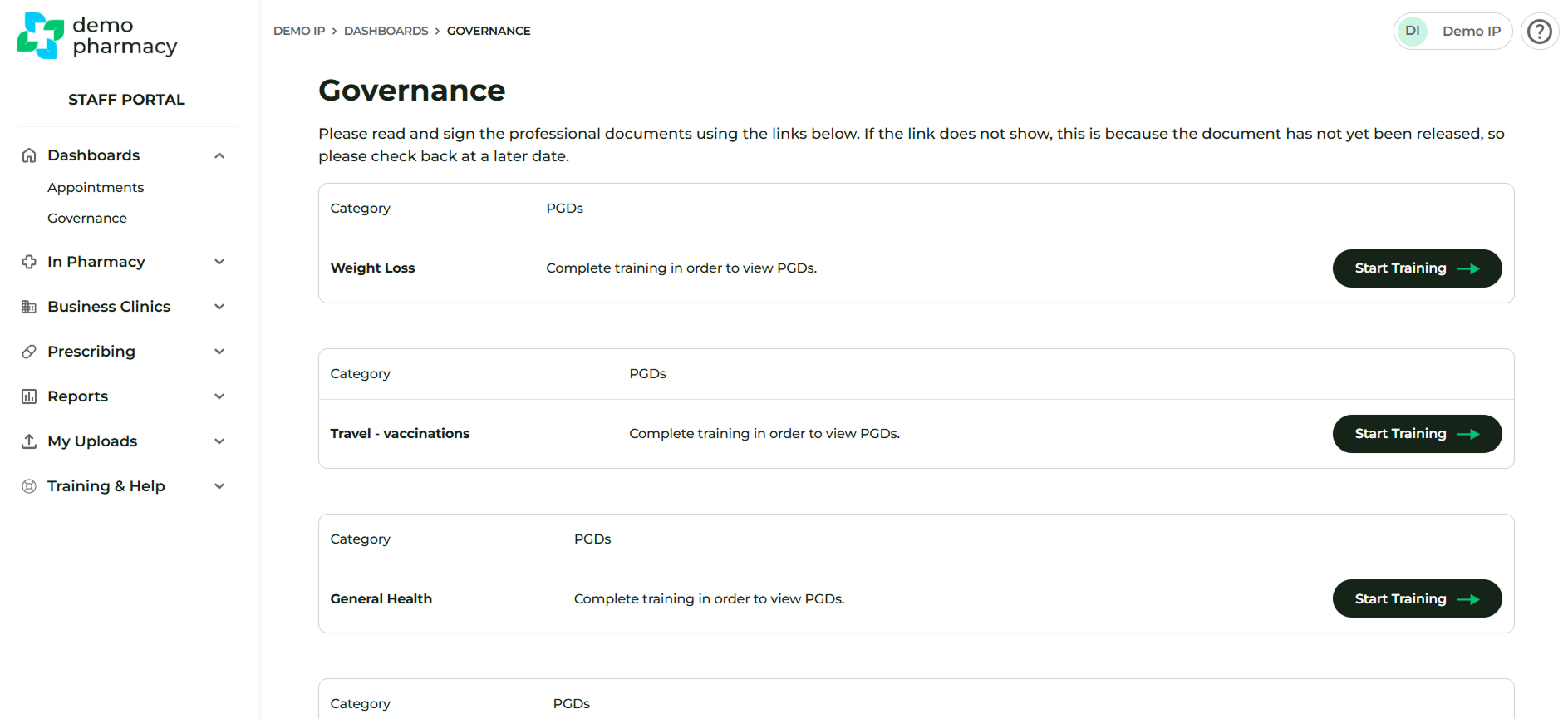
Your Dashboard view (shown below) will display a table of services.
- This view is customized based on the services your organisation is subscribed to and those that have been mapped to your user account.
- If you recently registered and do not see any services listed, please contact your Head Office. They are responsible for mapping your account to the available services.
Mandatory Action Before Administering Services
Before you attempt to administer any services to a patient, you must first sign all required PGDs and Declaration of Competence documents. Learn how to do this in PGD training & signature.