Utilising pre-screens
Streamline your consultations and improve clinical accuracy by gathering patient information before they arrive.
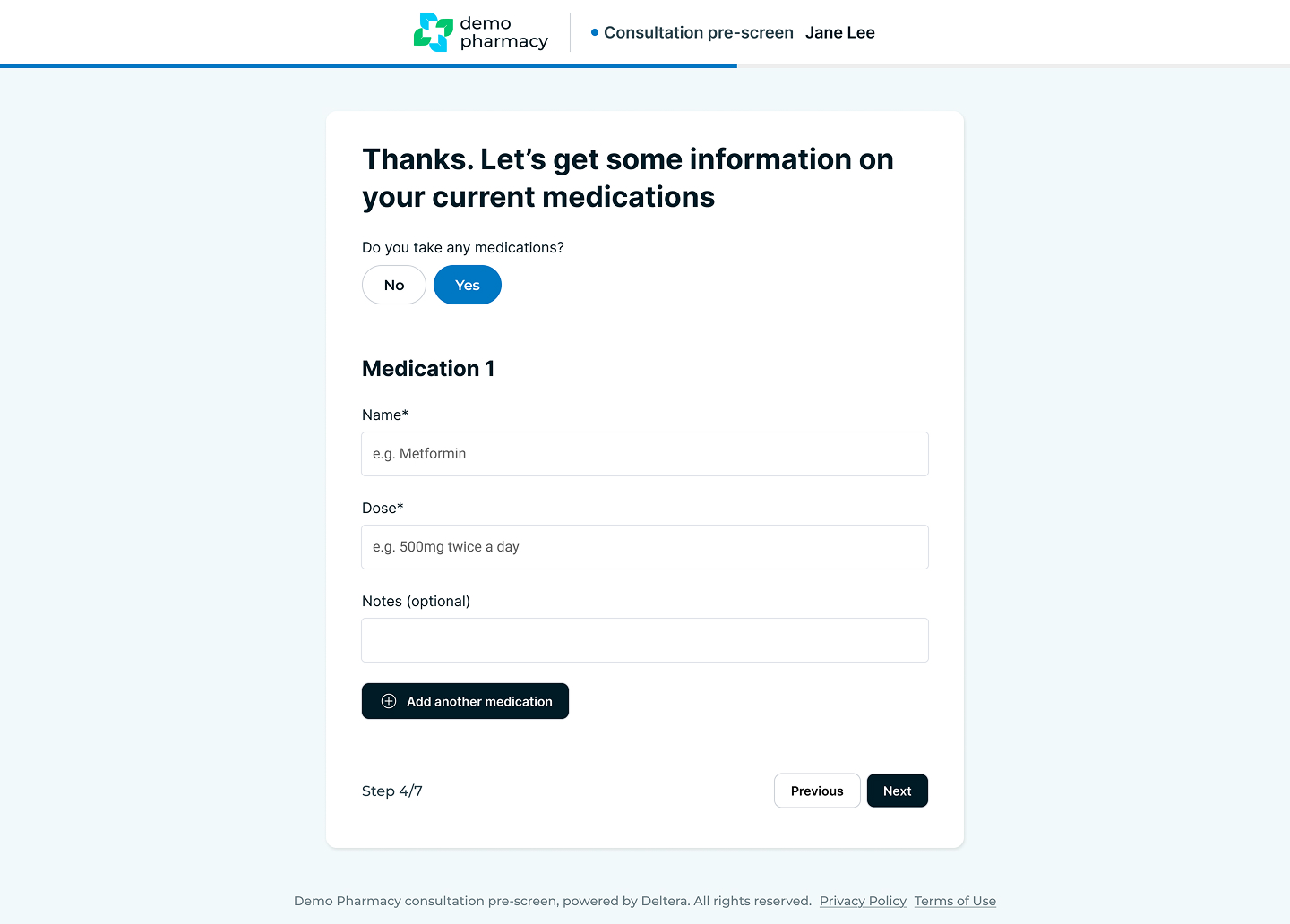
Pre-screens are a vital component of the Deltera Prescribe workflow. By collecting clinical history and essential patient data in advance, you can reduce administrative time during the appointment and focus more on the patient’s immediate clinical needs.
How Pre-screens Work
The system is designed to handle pre-screening automatically to ensure a consistent patient experience:
- Automatic Delivery: As soon as an appointment is booked—whether by the patient online or by a staff member in the pharmacy—an automated email is sent to the patient containing their unique pre-screen link.
- Data Storage: The information provided by the patient is securely stored within their profile. If the patient returns for multiple consultations, their historical data is retained, further speeding up future assessments.
- Automated Reminders: Just like follow-up reminders, the system will automatically prompt the patient to complete their pre-screen as the appointment time approaches.
Managing Pre-screens in the Pharmacy
While the process is largely automated, pharmacists have manual control over reminders to ensure every patient is prepared:
- Sending Manual Reminders: If a patient has not yet completed their questionnaire, you can navigate to In Pharmacy > Appointment Calendar. By clicking on the specific appointment, you have the option to manually resend the pre-screen link to the patient.
- Reviewing Data: Once completed, the pre-screen data is immediately accessible within the consultation interface, allowing you to review the patient's responses before the clinical session begins.
