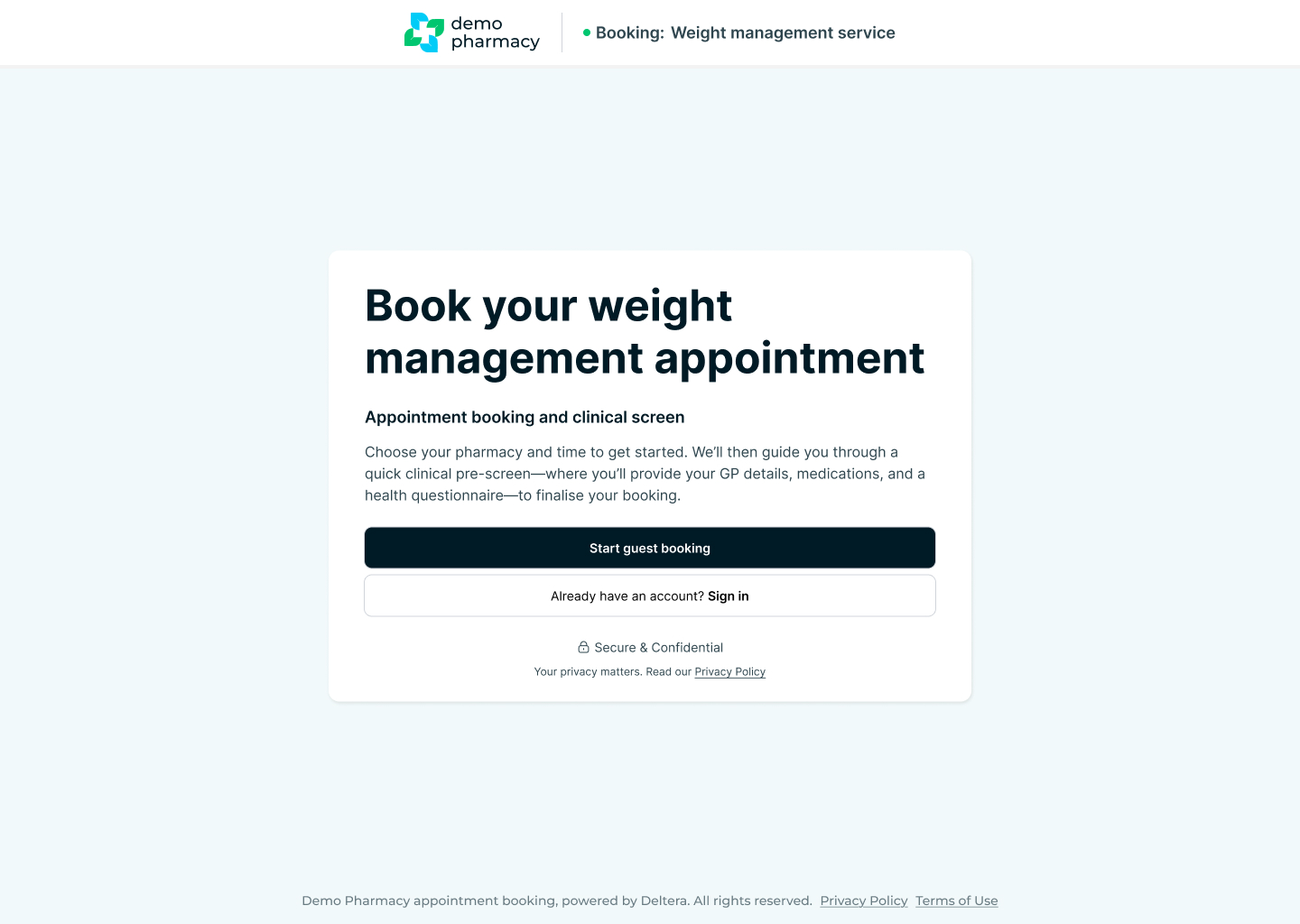
Patient Bookings & Pre-screens Overview
The patient booking journey is designed to be frictionless, modern, and entirely tailored to your pharmacy's brand. By automating the collection of personal details and clinical information before the patient arrives, the platform protects your pharmacists' time and ensures clinical safety from the very first click.
Whitelabelled & Unique Booking Links
Every booking link generated by the platform is completely unique to your pharmacy or pharmacy group.
- Your Brand First: The booking interface is fully whitelabelled. This means your patients will only see your pharmacy's logo and styling, ensuring a seamless extension of your existing digital presence.
- Service Links vs. Service Menu: You have the flexibility to share access in two ways:
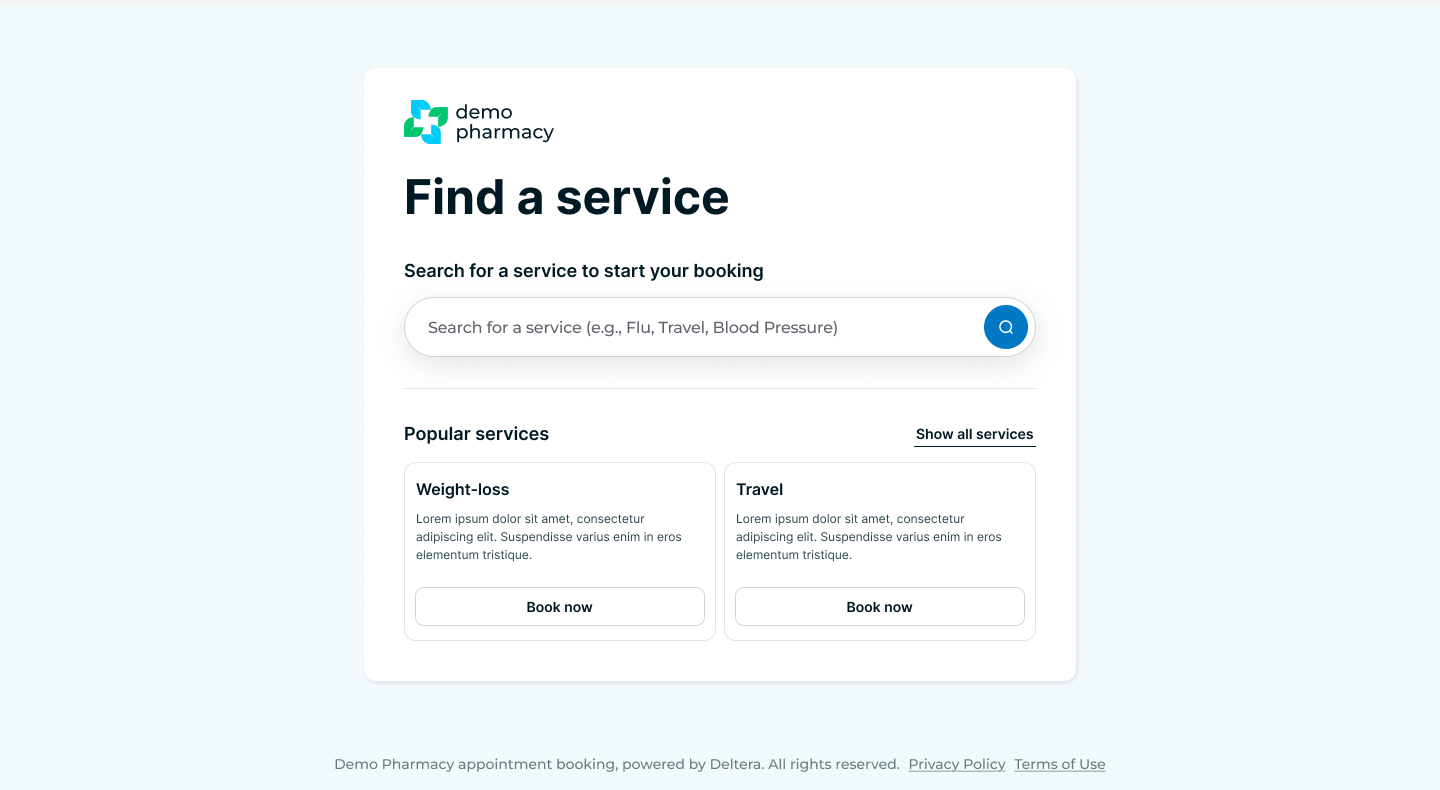
- Specific Service Links: Direct links that take the patient straight to a single dedicated service (e.g. sending a patient directly to the Travel Clinic booking page).
- The Service Menu Link: A master link that displays your entire pharmacy service portfolio, allowing patients to browse categories and choose the service they need.
Smart Location Routing (No Branch-Specific Links)
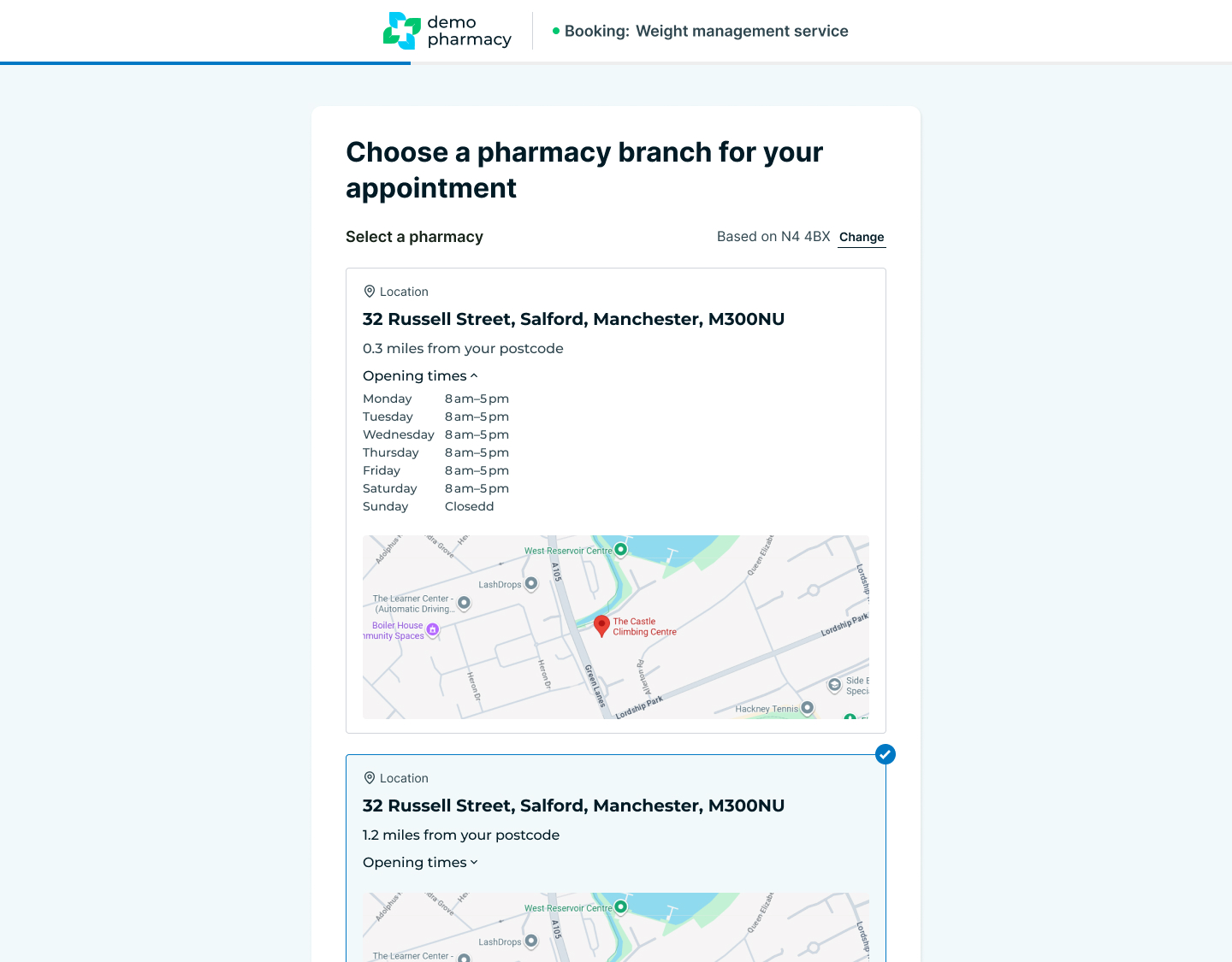
To keep your website layout clean and easy to manage, the platform does not use individual links for every physical branch. Instead, the system uses intelligent group-level routing:
- The patient clicks a service link.
- They are prompted to enter their Postcode or click 'Find my location'.
- The system immediately identifies the three closest pharmacies within your specific group that offer that service.
- The patient selects their preferred branch and moves straight into choosing a time slot.
The Two Booking Flows: Guest vs. Signed In
The platform accommodates both first-time visitors and returning regulars through two distinct booking paths. Completing the clinical pre-screen questionnaire is a mandatory requirement during both flows.
1. Guest Booking Mode
This is the default configuration for quick access.
- The Process: The patient selects a slot, manually enters all of their personal information (name, contact details, GP info), and then completes the mandatory pre-screen questionnaire.
- Account Creation: To convert one-off visitors into loyal customers, first-time users are given the option to automatically register for a Patient Portal account at the end of the journey using the information they have just typed in.
2. Signed-In Mode (Patient Portal)
This is the fastest, most streamlined experience for your patients.
- The Process: If a patient is logged into their Patient Portal account, their personal history, contact info, and medical basics are already securely stored.
- The Benefit: They entirely skip the personal information step and only need to complete the pre-screen questionnaire. This cuts the booking time down significantly and creates a highly satisfying user experience.