System Settings
System settings allow you to configure and control the core operational behaviour, branding, and external links for your entire organisation.
Accessing System Settings
- Click the Pharmacy Logo (or user icon) in the top-right corner of the screen.
- Select System Settings.
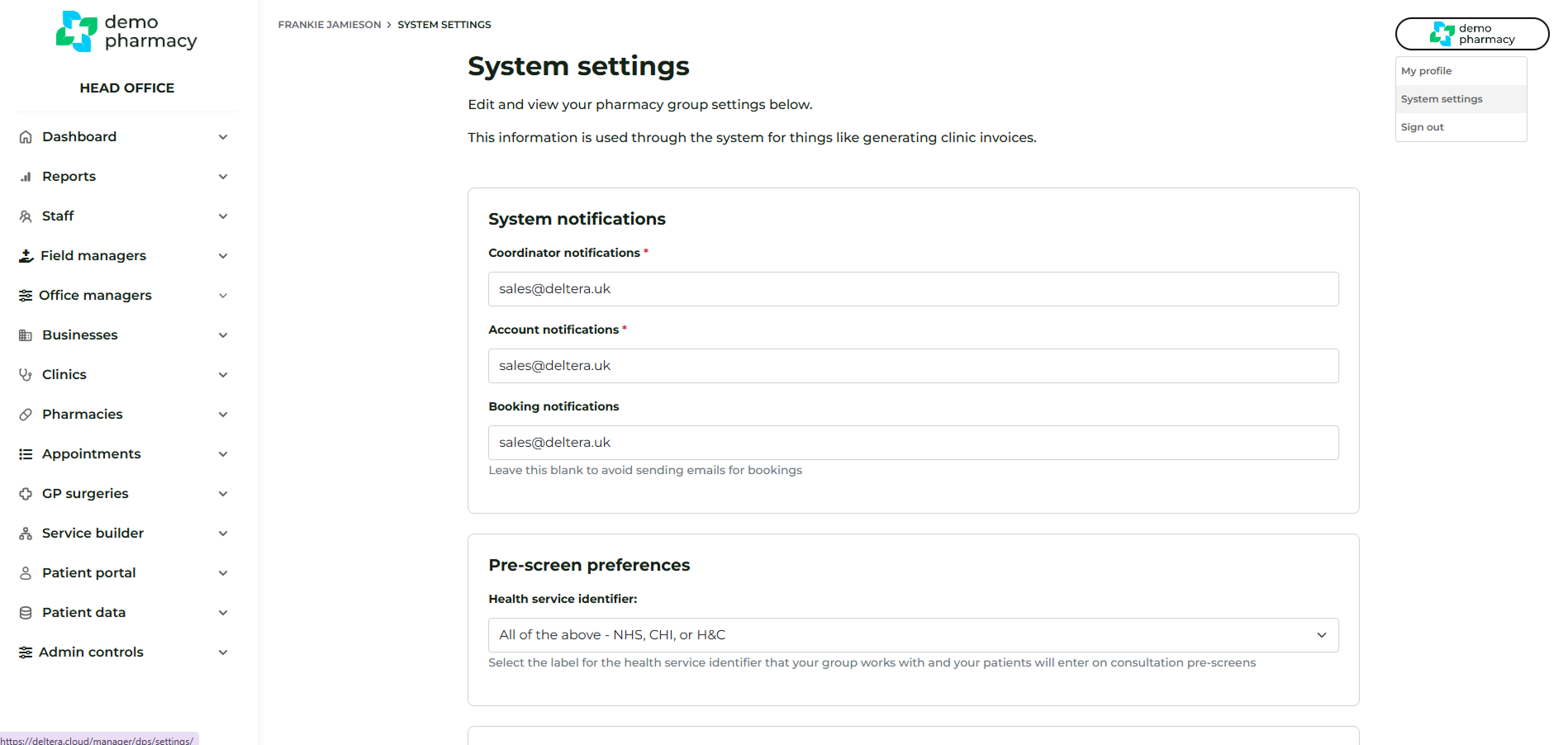
Overview of Configurable Areas
The System Settings page is divided into various sections for configuration:
- System notifications
- Pre-screen preferences
- Signature screen override
- Business address
- Bank details
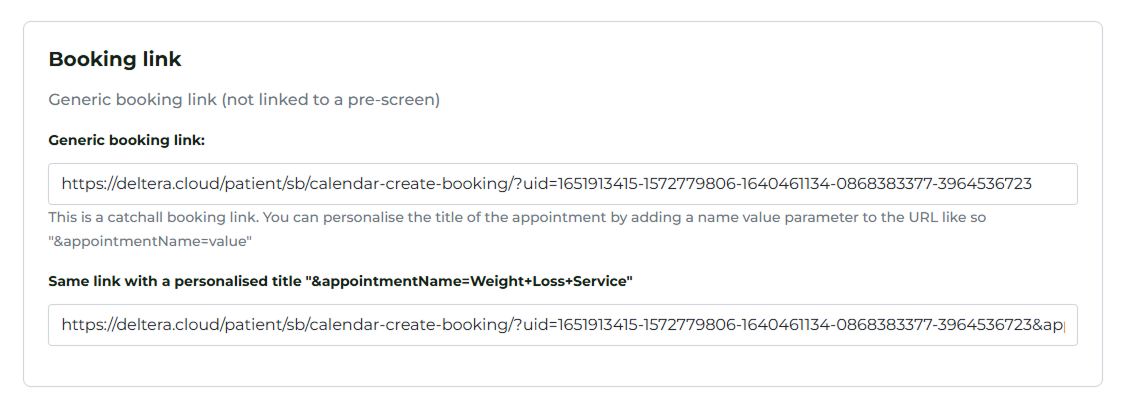
- Booking link
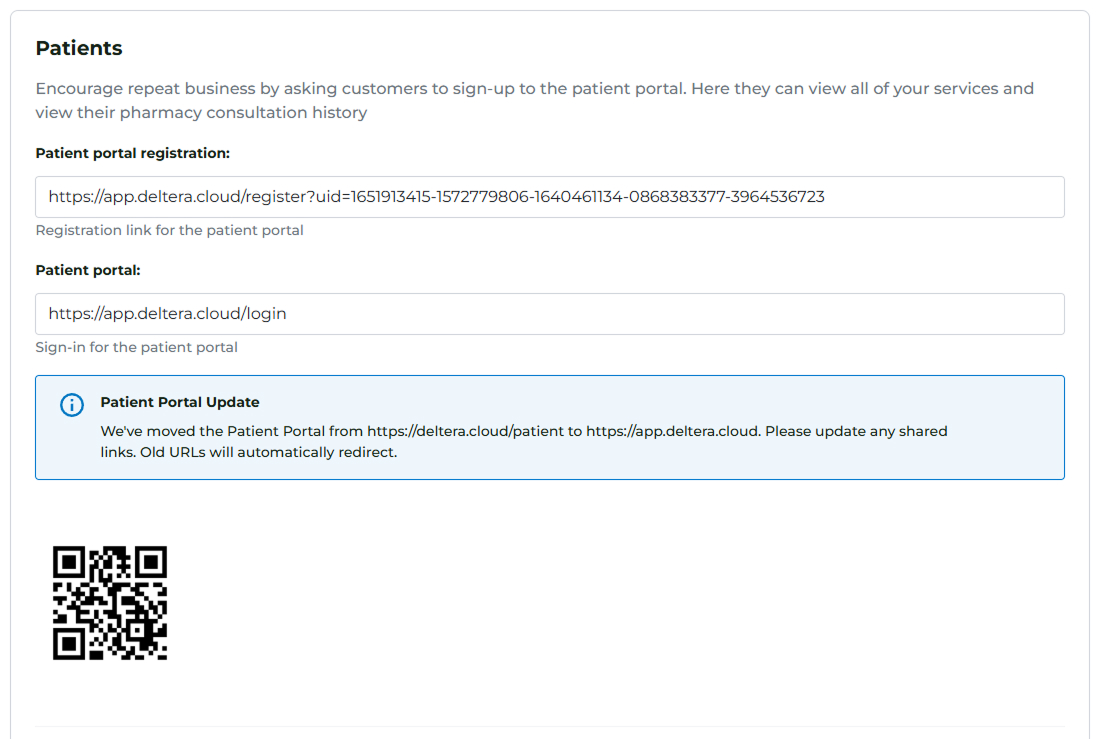
- Patients
- Staff
- B2B
- Clinic Attendance Fee Price Structure
Key Settings to Highlight
Pay special attention to the following settings, as they govern patient-facing access and booking:
- Generic Booking Links and QR Codes: This section contains the generic links and QR codes that patients can use to book an appointment at any pharmacy within your group.
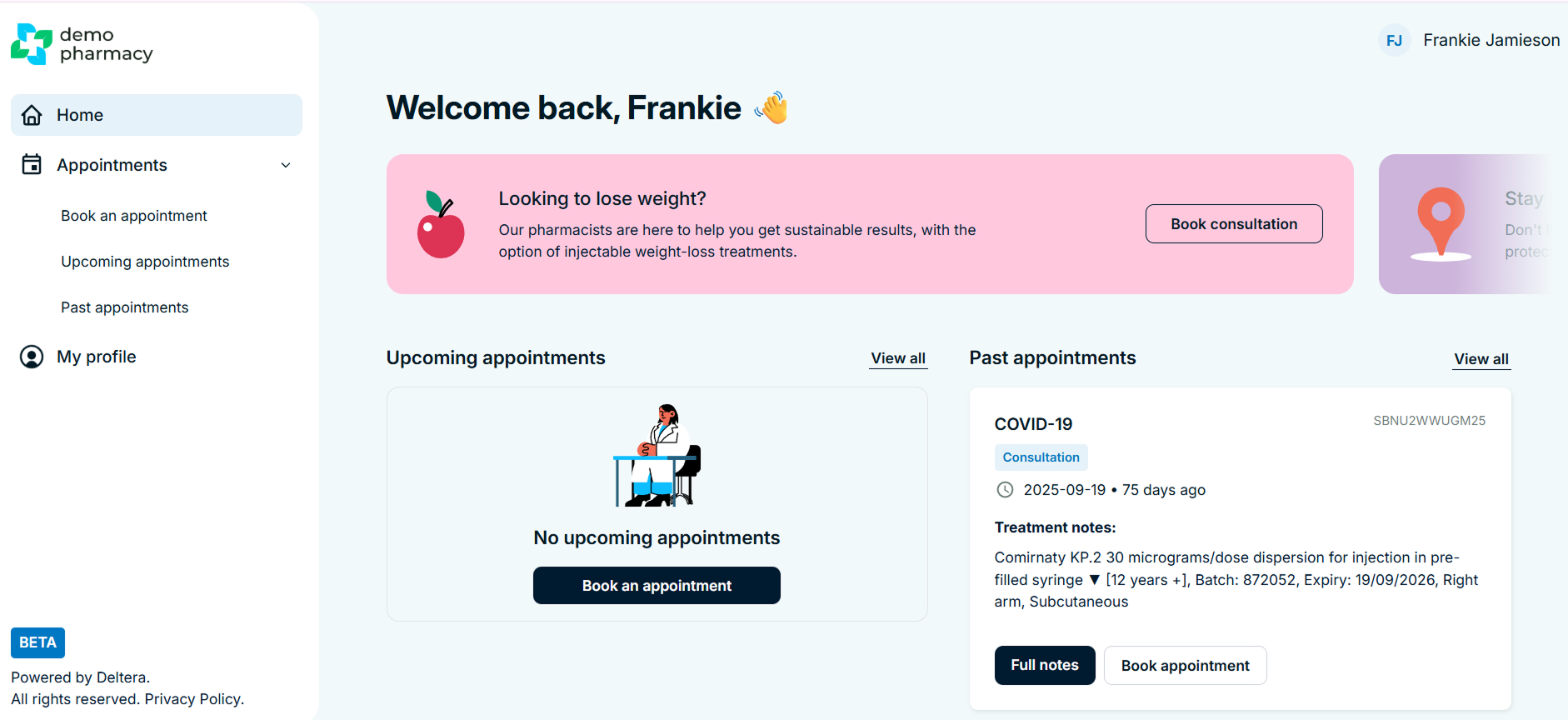
- Patient Portal Registration Link: This crucial link can be sent to patients, allowing them to sign up for the Patient Portal. Once registered, they can access their past consultation data, book new appointments, and manage their details.
Same Day Bookings
By default, same day bookings are switched off for all services. This is designed to give pharmacists sufficient lead time to prepare for consultations and manage their daily workload without unexpected additions to the diary.
If your organisation prefers to allow patients to book appointments for the current day, this must be enabled manually within the Head Office settings for each individual service.
How to enable Same Day Bookings:
- Log in to your Head Office account.
- Navigate to Service Builder > Services.
- Find the specific service you wish to update and click Edit.
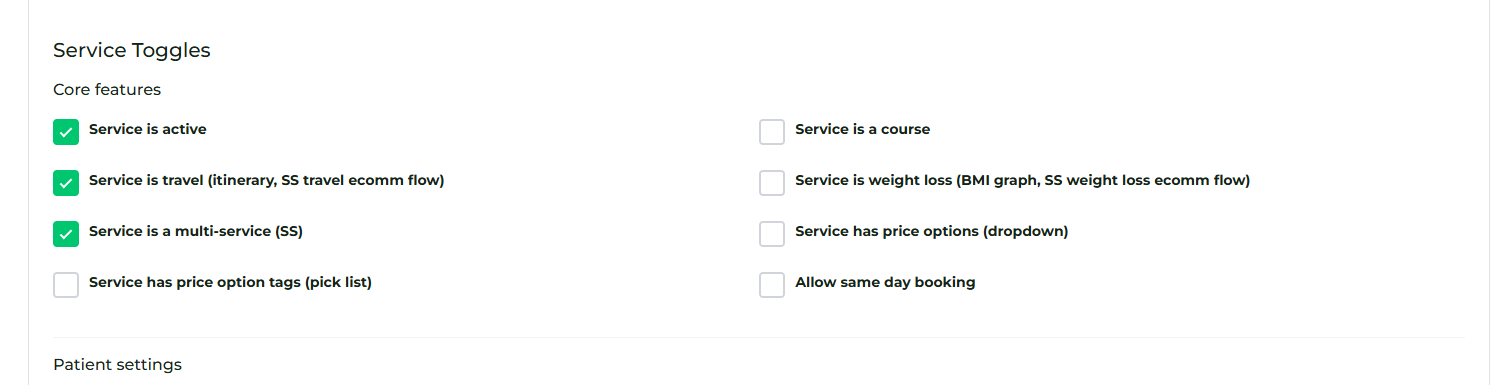
- Scroll to the configuration options and check the box labelled 'Allow same day bookings'.
- Click Save/Update at the bottom of the page.
Once this is checked, the service will immediately become available for patients to book on the same day, provided there is an open slot in the pharmacy's appointment calendar.
Get in touch

Are you a Well pharmacist?

Need to speak with someone?
