Changing the Consultation Price
As a Head Office administrator, you have the authority to set and update the standard consultation fee for your pharmacy group. This price is applied globally across your organisation for all future bookings.
How to Update the Price
To modify your current fee, follow these steps:
- Log in to your Head Office account.
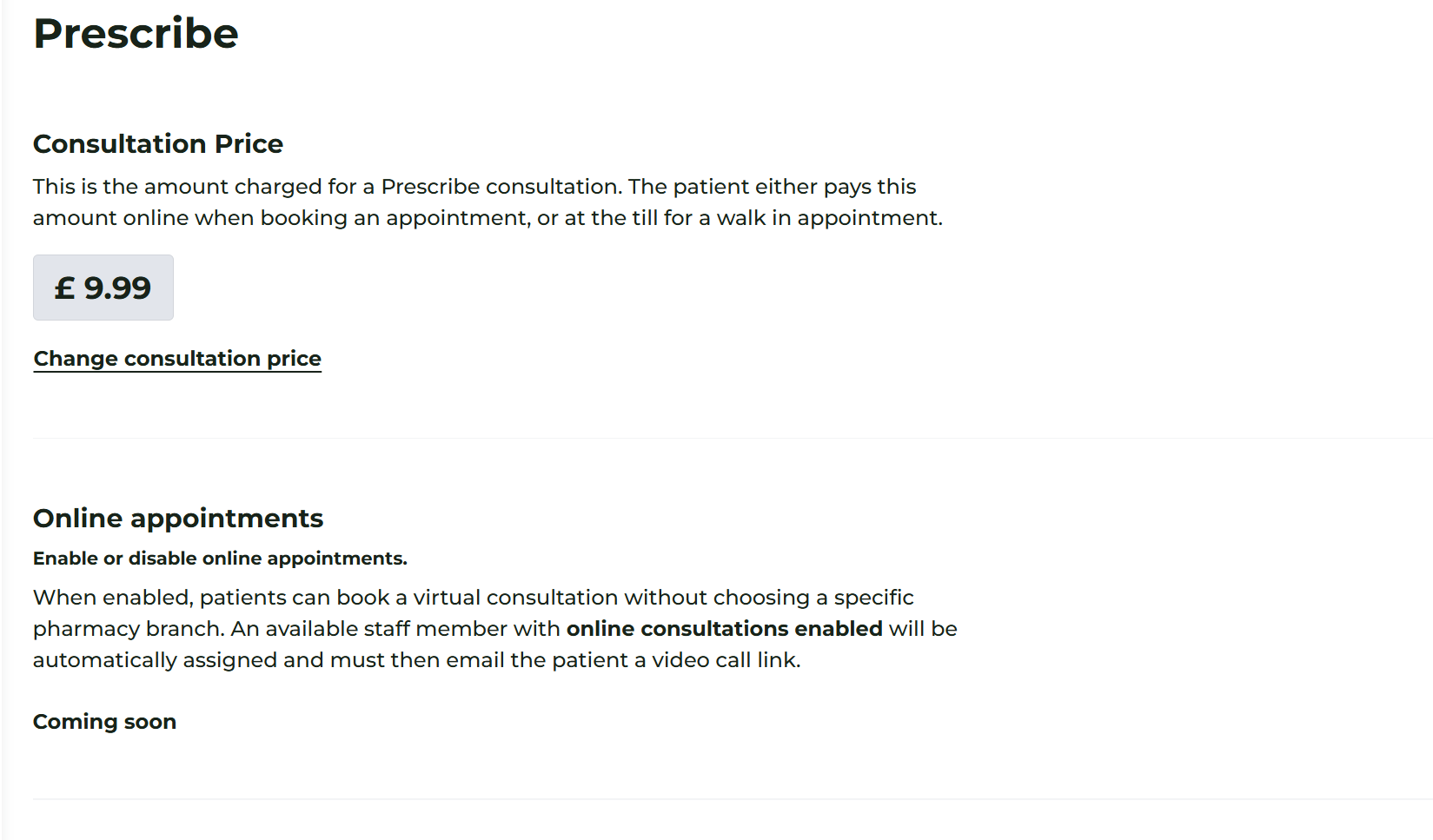
- Navigate to Prescribe > Overview in the main menu.
- View Current Fee: The current price is displayed clearly on this dashboard.
- Edit Price: Click the button labelled 'Change consultation price'.
- Update: Enter the new numerical value (e.g., 15.00) and press Update.
The system will immediately apply this new rate to all appointments booked from this moment forward.
⚠️ Important Pricing Clarifications
It is essential to understand how this fee interacts with your pharmacy's billing:
- Consultation Fee Only: This price covers the professional clinical assessment performed by the pharmacist.
- Prescription Costs: This setting does not include the cost of any medications prescribed during the consultation. Prescription pricing is currently not set within the Prescribe module and should be handled according to your pharmacy’s standard private prescription pricing policy at the point of dispensing.
- Zero-Rated Services: If you wish to offer your consultations free of charge (for example, as part of a public health initiative or promotional period), you can set the price to £0.00.
Pro Tip: Managing Expectations
When you change your consultation price, ensure that your pharmacy staff are informed so they can accurately relay costs to walk-in patients. Patients booking online will see the updated price automatically during their booking journey.
