Using Multi-channels
The Multi-channel feature allows your pharmacy to manage several bookings at the exact same time by categorising them into different "channels" or rooms. This ensures that your branch can operate multiple clinics—such as a Travel Clinic and a standard PGD service—simultaneously without scheduling conflicts.
Managing multi-channels
Dashboard Overview
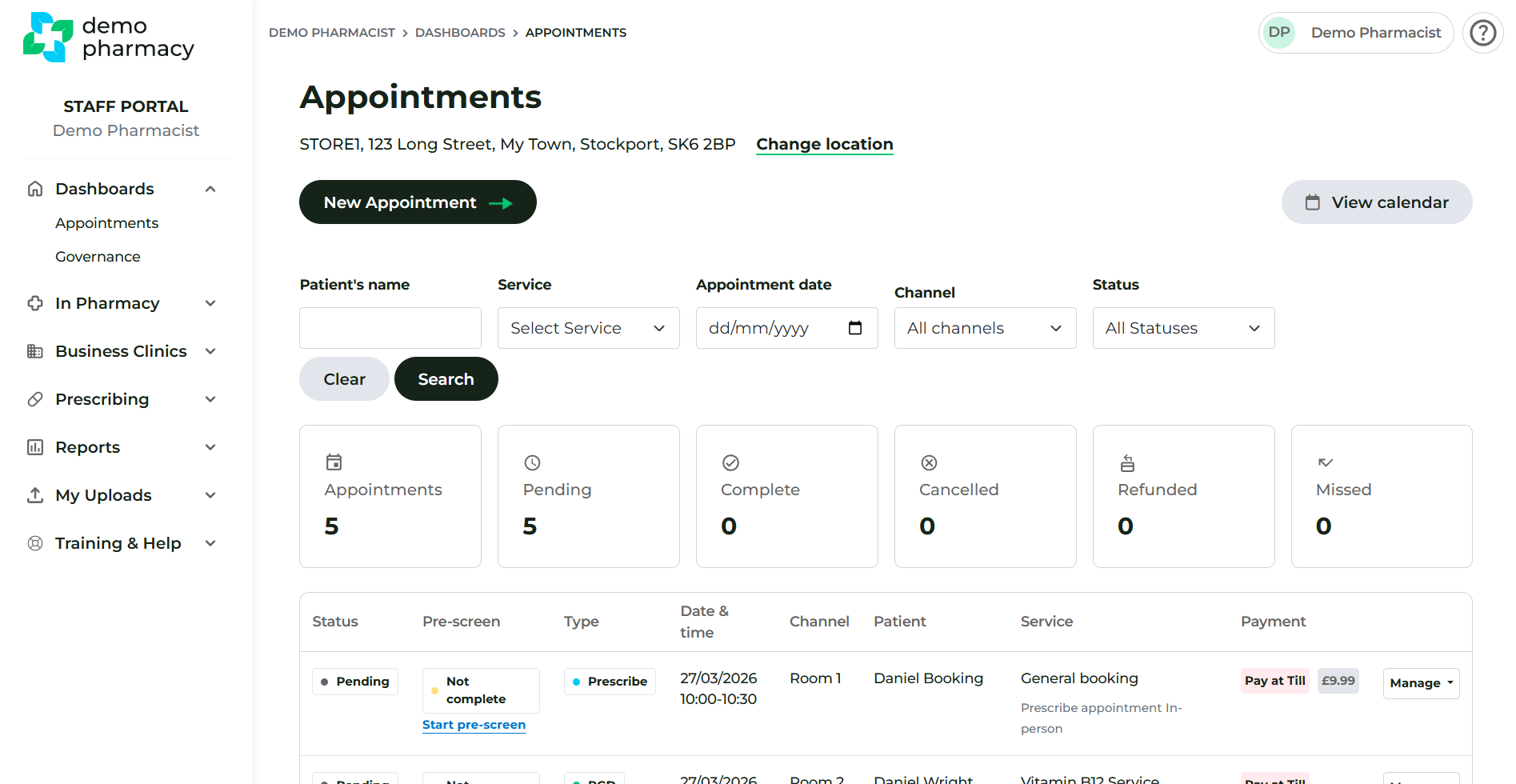
On your main Appointments Dashboard, you can see at a glance which channel has been assigned to each patient.
- Default View: By default, the dashboard displays all appointments across all channels to give you a complete overview of the day's activity.
- Channel Labels: Each appointment entry clearly displays its assigned channel (e.g. "Travel Room" or "Consultation Room 2").
- Unassigned Appointments: Currently, if an appointment has not been specifically assigned to a channel, it will appear as 'Room 1'. Please note that this label will soon be updated to 'Not assigned' in a future system release.
Filtering Your View
If you are working in a specific room or running a dedicated clinic, you may want to focus only on the appointments relevant to you.
- Select Filter: Use the 'Channel' dropdown filter at the top of the dashboard.
- Update View: After selecting your desired channel, you must click the 'Search' button. The dashboard will not refresh automatically; clicking 'Search' ensures the list updates to show only the filtered appointments.
The Appointment Calendar
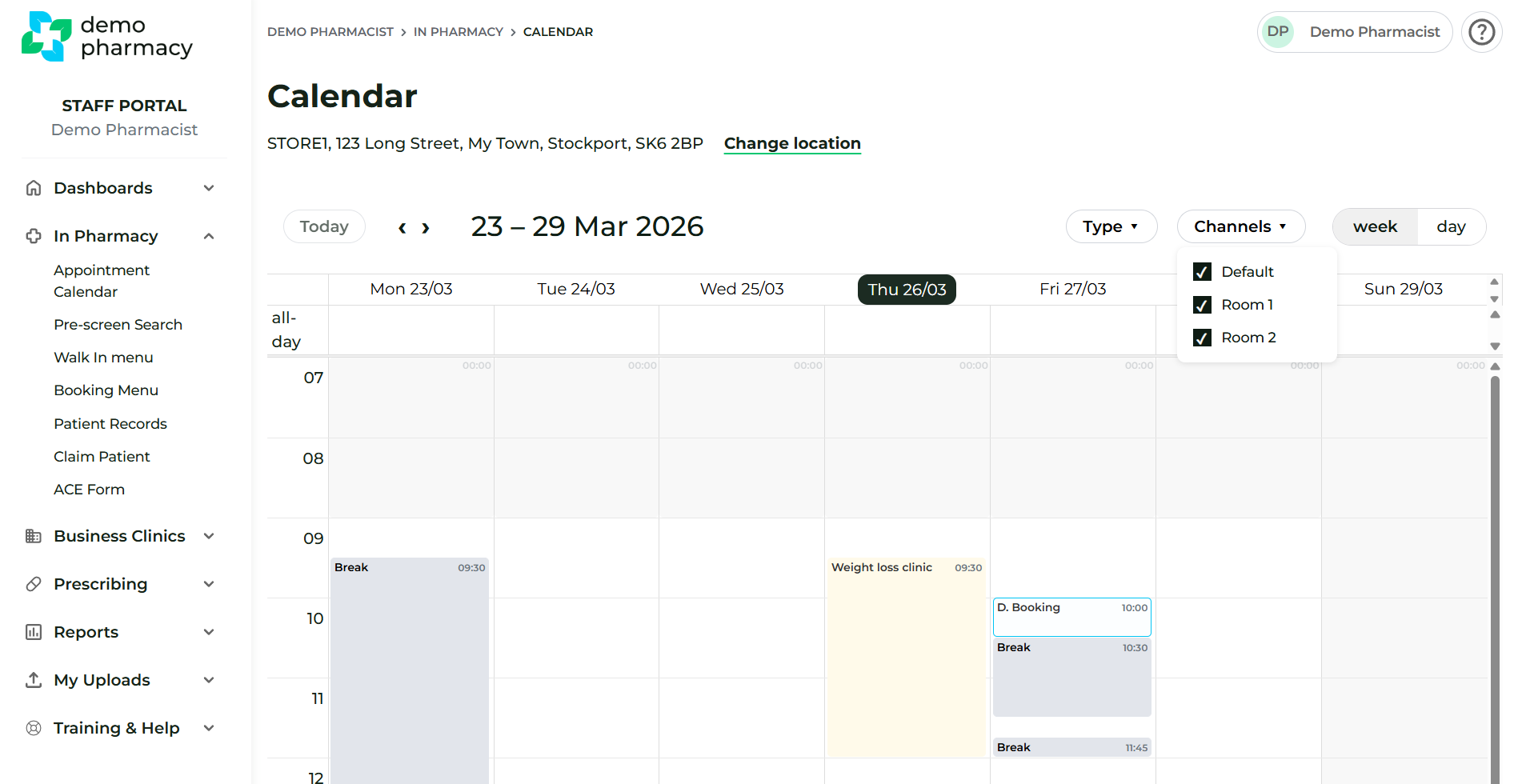
The Appointment Calendar (found via In Pharmacy > Calendar) provides a visual layout of your bookings across these different streams.
- All Appointments: The default view is set to 'All appointments', showing the full capacity of the pharmacy.
- Switching Views: You can use the channel filter on the calendar page to toggle between a "Master" view of the whole pharmacy or a "Siloed" view of a specific channel.
💡 Staff Tip: If you are a pharmacist dedicated to a specific service for the day (e.g. Mounjaro follow-ups), filtering the calendar to your specific channel helps you manage your own workflow without being distracted by bookings in other rooms.