Pharmacy walk-in - the patient has forgotten their reference
If a patient has forgotten their "SB..." or "EMP..." reference code, you can use the security challenge to retrieve it.
Step 1: Go to Pre-screen Search
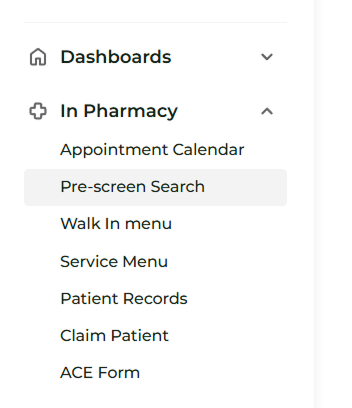
Navigate to In Pharmacy > Pre-screen Search
Step 2: Start the Security Challenge
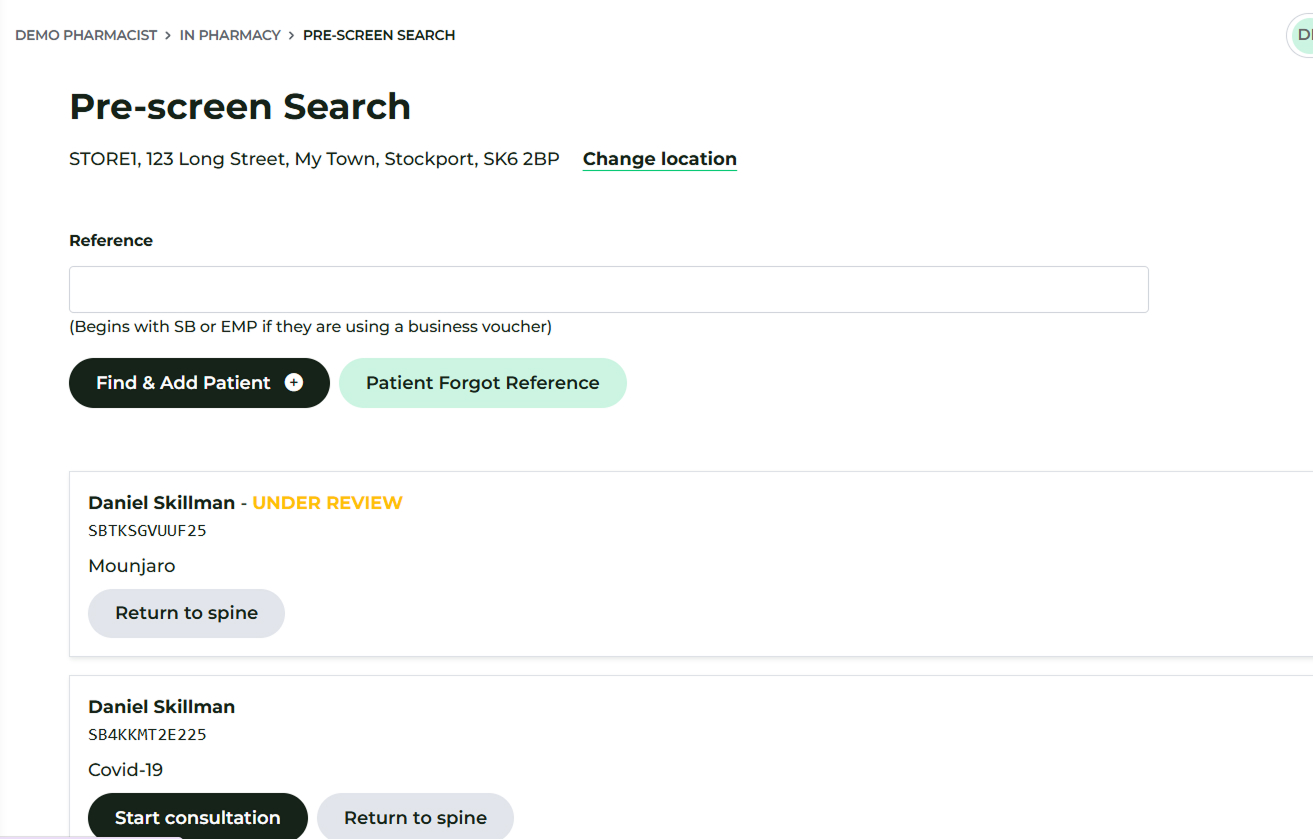
After verifying your pharmacy location (as outlined in the general walk-in steps), click the Patient Forgot Reference button.
Step 3: Enter Patient Verification Details
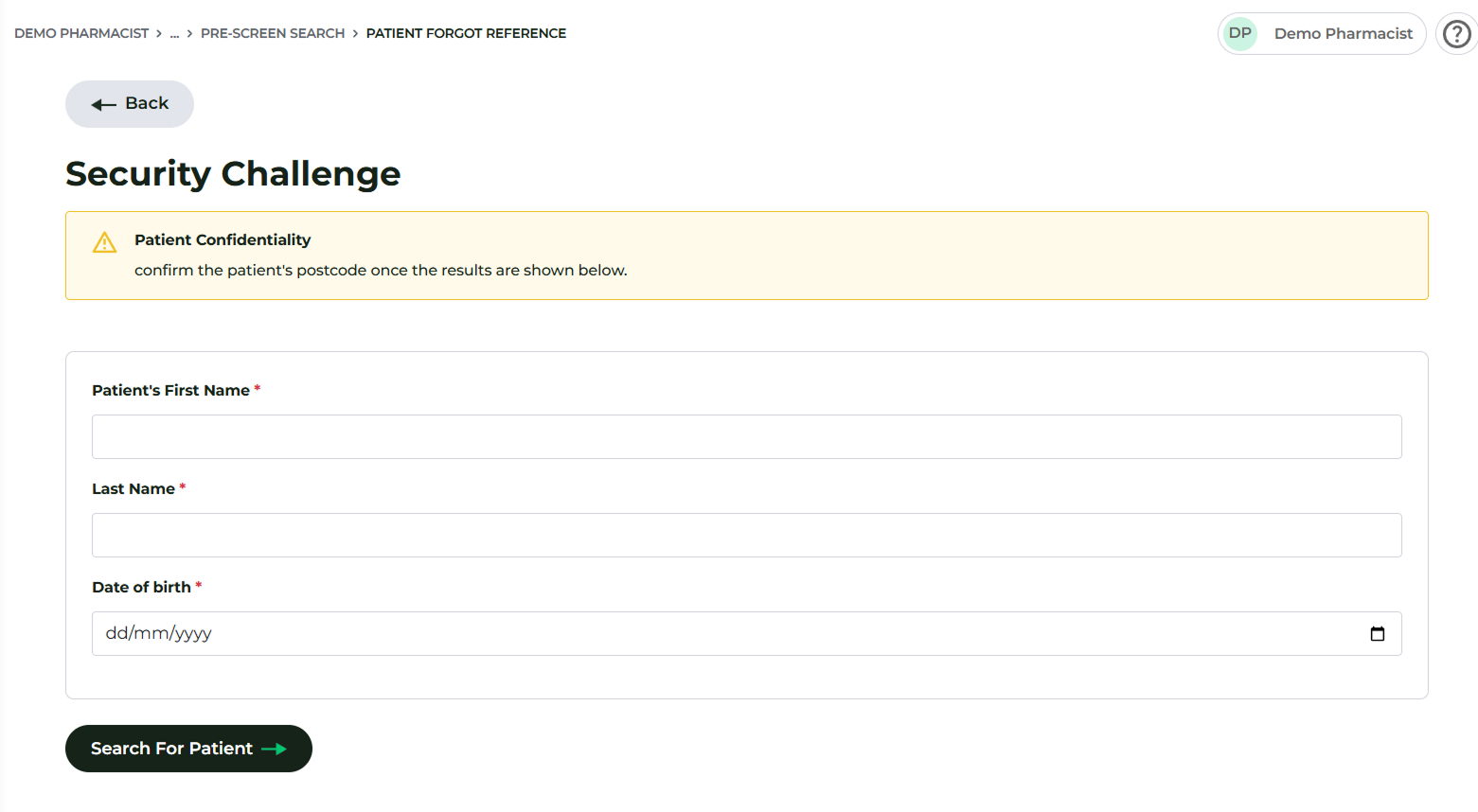
You will need the following three pieces of information from the patient to perform the search:
- First Name
- Last Name
- Date of Birth (DOB)
Step 4: Verify and Retrieve
Once the search results are displayed, you must also verify the patient’s postcode to confirm their identity.
After successfully identifying the patient's record, click the Add button.
They will now appear in the list of patients on the Pre-screen Search page, where you can Start Consultation.
