Patient records and claiming a patient
Review consultation history on demand, or claim records from other branches to anchor them to your current location.
Accessing Patient Consultations
Visibility of patient records is always restricted to the original administering pharmacy branch.
- If your organisation's configuration has disabled the record timeout (meaning records do not disappear after a limited time), you can view a patient's consultation history at any time upon request (e.g., during a follow-up phone call).
Claiming Patient Records from Another Branch
If you need to view a patient's records administered at a different branch, you can claim those records and assign them to your current branch.
- Action: This process will anchor the patient records to your branch, removing them from the previous branch's visibility.
Claim Process
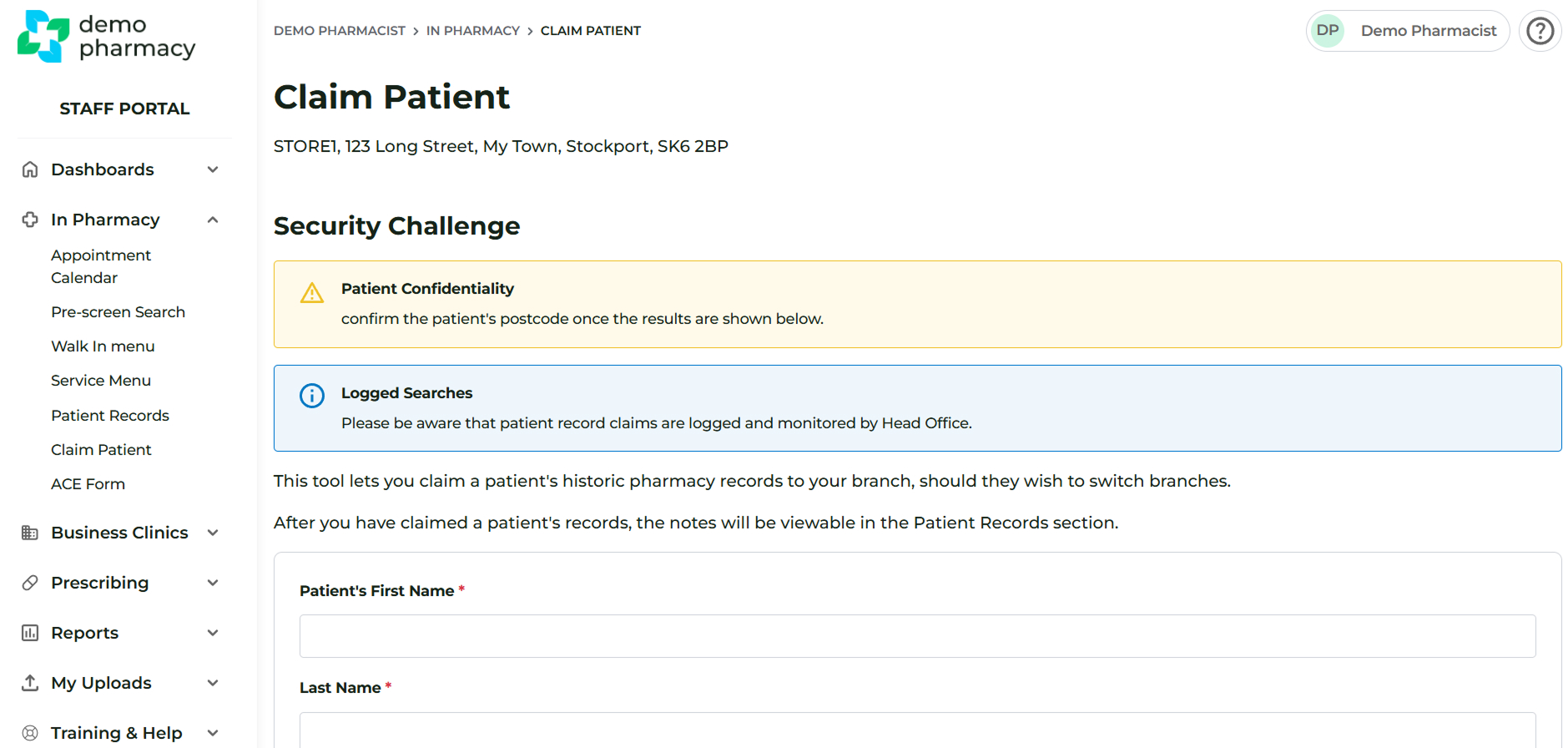
- Navigate to the In Pharmacy > Claim Patient screen.
- Enter the following details to search for the patient:
- First Name
- Last Name
- Date of Birth
- If a match is found, you will be able to click a button to claim this patient to your pharmacy branch.
- Once claimed, the patient's notes will immediately be viewable in your In Pharmacy > Patient Records section.