Pharmacy walk-in - complete a pre-screen on behalf of a patient
Important note: The primary purpose of the pre-screen is to pre-fill information before the consultation to save you time. While the system is not designed for staff form-filling, we have implemented measures to allow you to assist patients who are unable to complete the pre-screen themselves.
Step 1: Access the Walk-in Menu
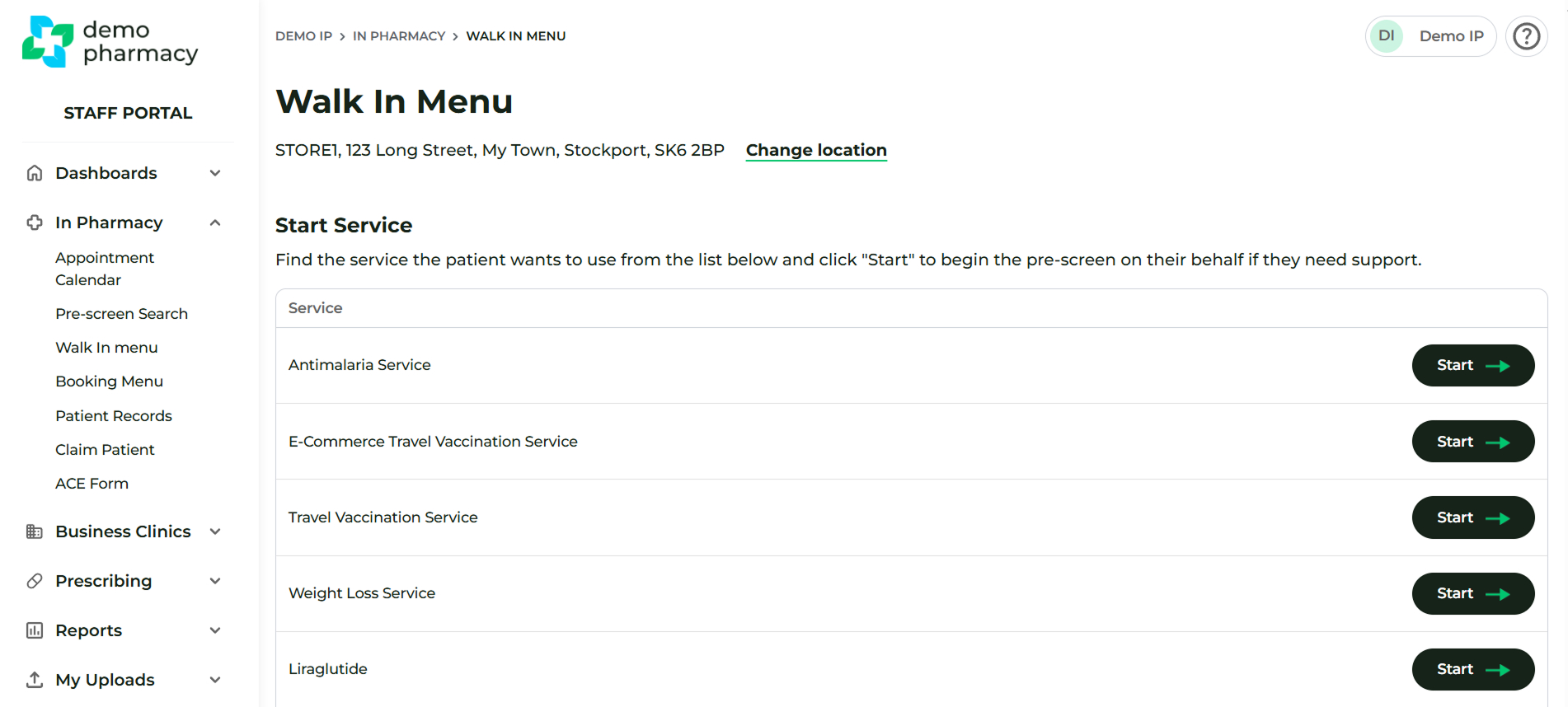
- Navigate to In Pharmacy > Walk-in Menu
- Click Start next to the specific service you would like to complete a pre-screen for.
Step 2: Navigate and Complete the Pre-Screen
You will now navigate through the pre-screen pages with the patient. Pay close attention to where you enter your staff information versus the patient's information:
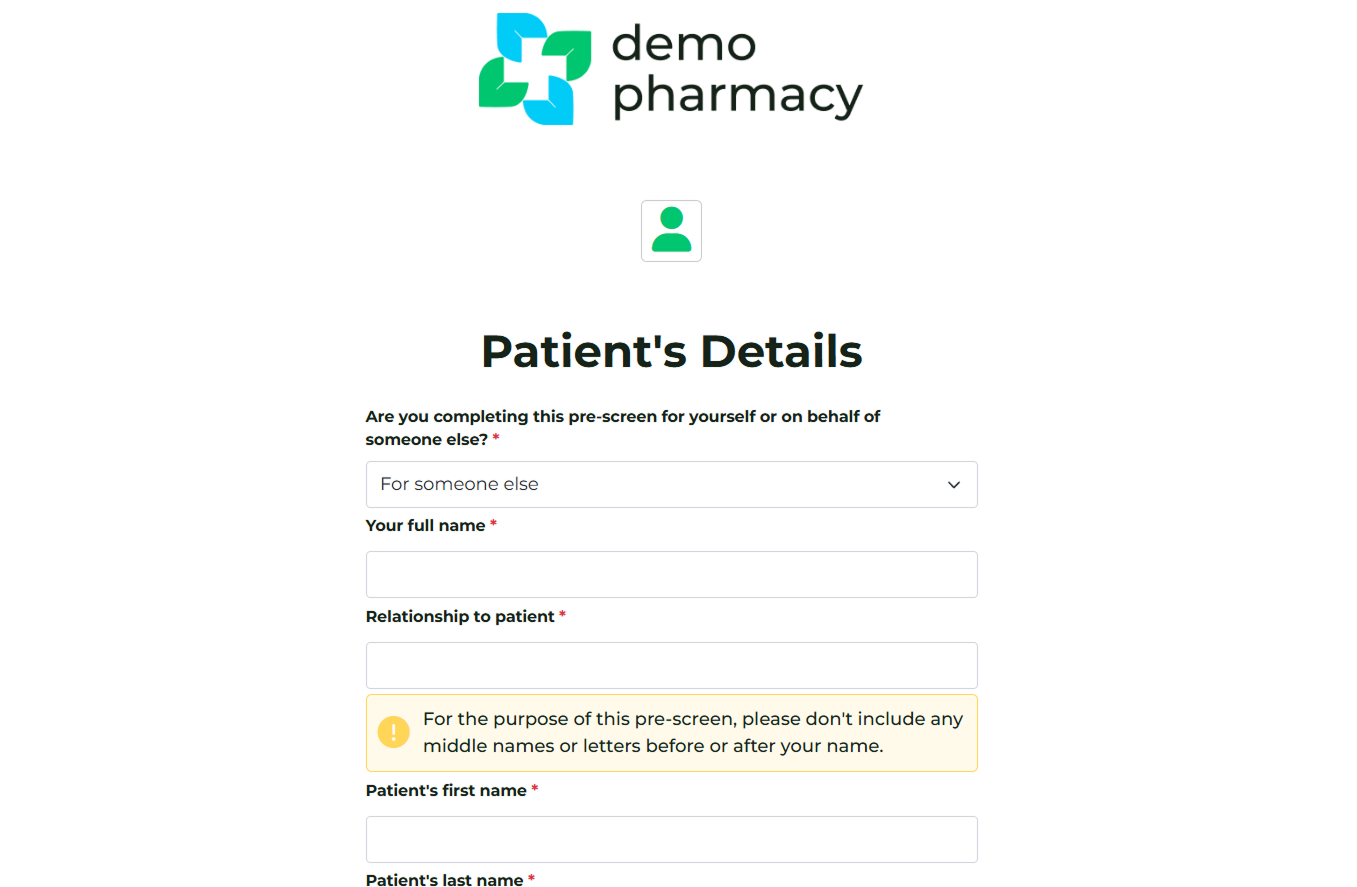
- Patient's Details Screen: You must select that you are completing the pre-screen For someone else. Enter your information (the staff member) into the first box. This distinguishes the form entry from the patient's personal data.
- About You Screen: Enter the patient's email address into the email box. The system sends follow-up information to this address to improve their future service experience.
- Additional Information Screen: When typing a GP surgery address, select from the suggested drop-down list. Selecting a suggested GP helps ensure accurate automatic GP notifications after the consultation.
- Patient Medical Screen: Note that the feedback displayed is aimed at the patient. Please take this into consideration when reading the information or completing the screen with them.
Step 3: Completion and Start Consultation
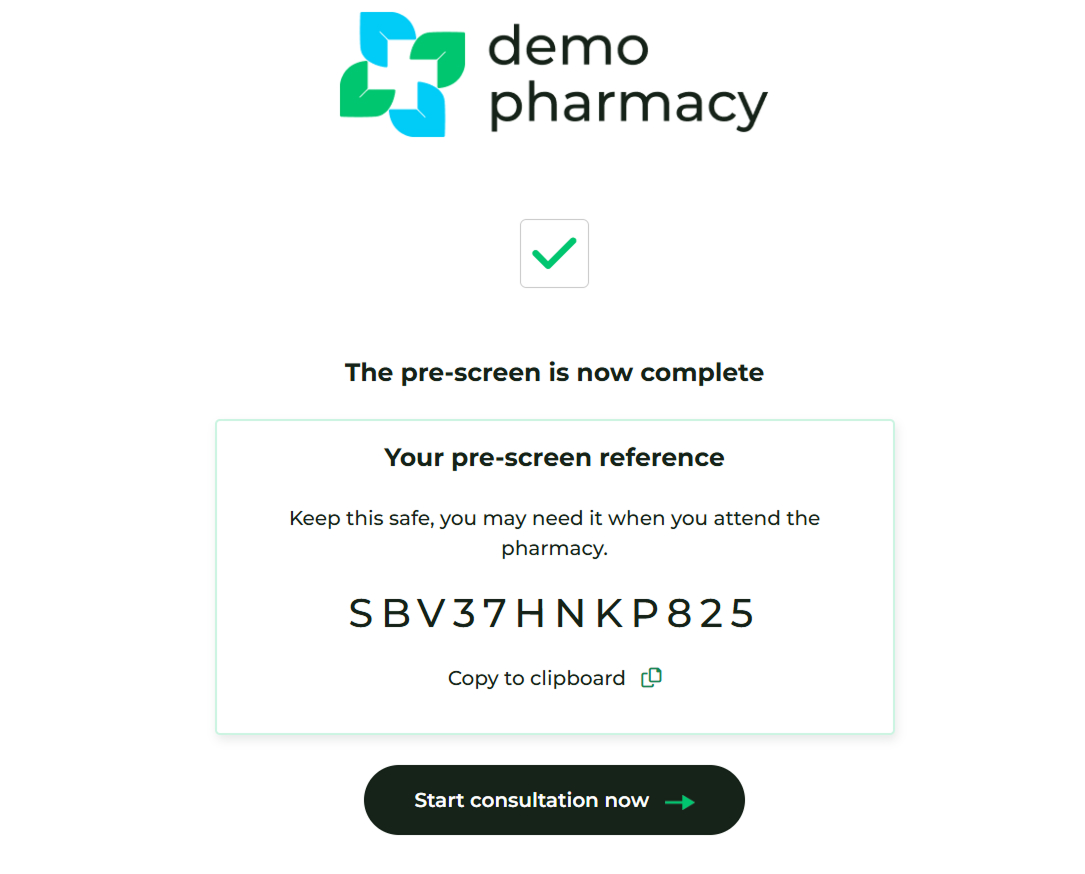
On the Completed screen, there is a button to Start consultation now. You can follow the steps for Treatment / administration here.
- The "SB..." code will also be displayed. You can make a note of this code if you would like to begin the consultation later.
Regarding Bookings: If bookings are active for your organisation, you may see a 'Book Now' button or a calendar widget. Ignore this. As the patient is currently in the pharmacy with you, there is no need to book an appointment for them.